Zoom Instructions
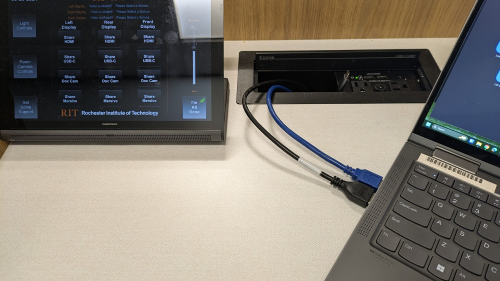
Start by connecting your laptop to the HDMI and USB cables in the podium:
Start Zoom.
Audio Settings
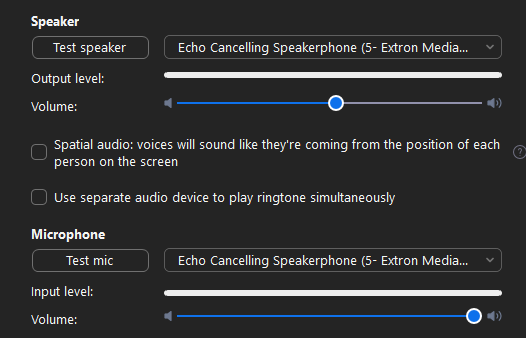
For the Audio settings, make sure the microphone and speakers are set to Echo Cancelling Speakerphone(5-Extron Media.)
Video Settings
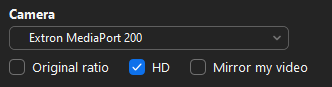
For the Video settings, make sure Extron MediaPort 200 is selected and that only HD is checked
To switch which camera to use, on the touch panel tap on Room Camera Controls. Select from three cameras in the space. It will take a few second for the camera feed to switch
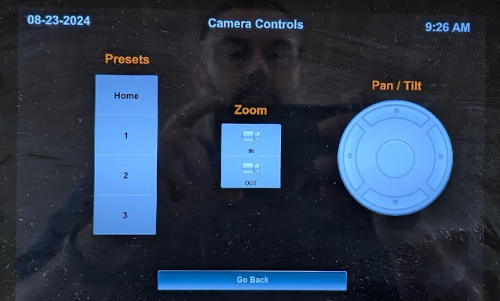
To adjust the camera, on touch panel tap on Room Camera Controls