
Sharing Content – No Zoom Meeting
Open the Zoom Workspace App on your computer.
Click on the Share screen icon in your Zoom Workspace App.
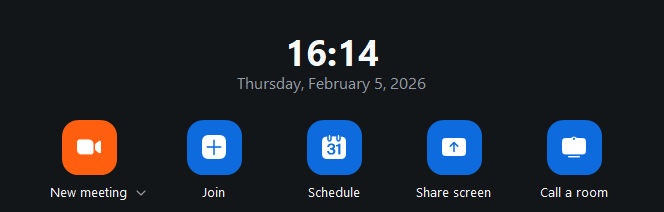
Your computer will now share your screen to the monitor without the use of a meeting.
Zoom Meeting
To use the Zoom Room as part of a meeting, think of the space as a participant in a meeting. If you are hosting the meeting, you will start up your meeting as you normally do on your laptop. Just make sure you mute your microphone and speakers to avoid feedback.
If you are not hosting the meeting, you just need the Meeting ID and Passcode to join the meeting from the touch panel on the back wall.
If you need to find your Meeting ID and Passcode, click on Meeting info under the More button in Zoom.
From the touch panel on the back wall, tap Join and enter the Meeting ID and Passcode. The Zoom Room will now join the meeting.