Overview
Installing drivers can sometimes be very disruptive. Rather than pushing them automatically, users can pull the driver updates themselves. Administrative rights are not required to complete these steps.
BE AWARE: for BIOS Updates, be aware that when the system reboots, it may appear as if the computer is powered off for a minute or two. Please be patient
BE AWARE: Laptop users, make sure you are plugged into power when installing updates. We recommend you never perform these updates while on battery. we also recommend laptop users run updates while connected to their docking station. This will allow for updates t the docking station as well.
Dell Computers
Search your Start Menu for Dell Command Update. It may be under the Dell folder in the Start Menu.

If you cannot find it, the software might not be installed. Use Portal Manager to install Dell Command Update. Once the software has opened, click the Check button to scan for updates/
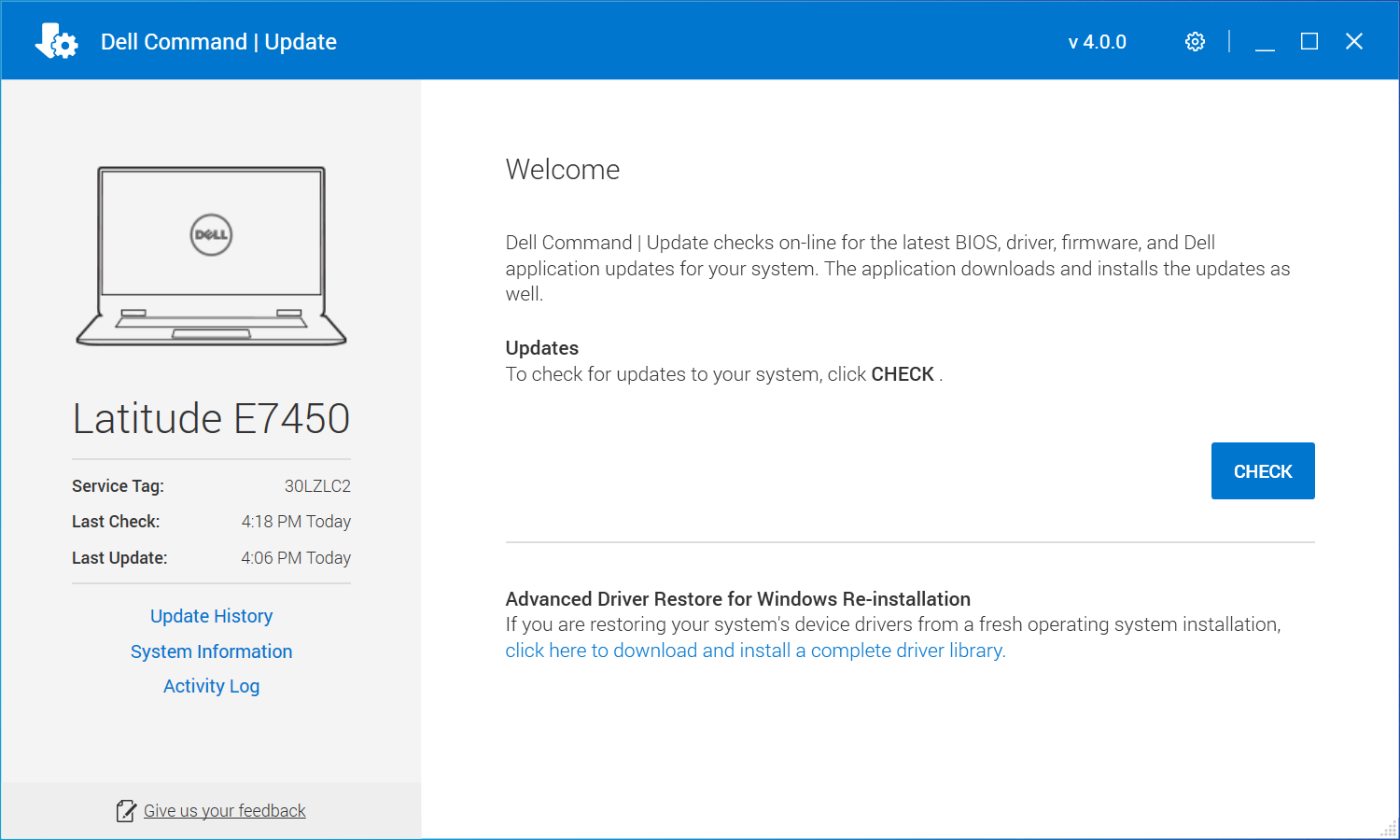
Once done, review the updates, check those you want to install.
Please be aware that reboots will be required and not all updates can be installed at the same time. Once a reboot has been completed, run Dell Command Updates again to see what additional updates are needed.
Lenovo Computers
Search your start menu for Lenovo Commercial Vantage or System Update as it might be one of the two tools on your system.
If neither is installed on your system, you can use Portal Manager to install Lenovo System Update.

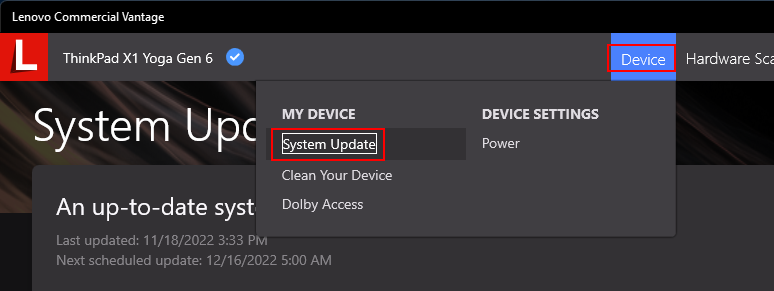
Click on System Update Under the Device Menu
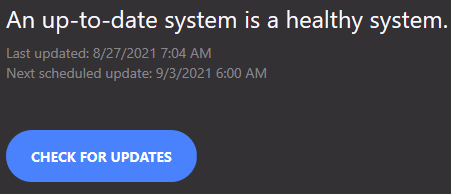
Click on CHECK FOR UPDATES to start the scan
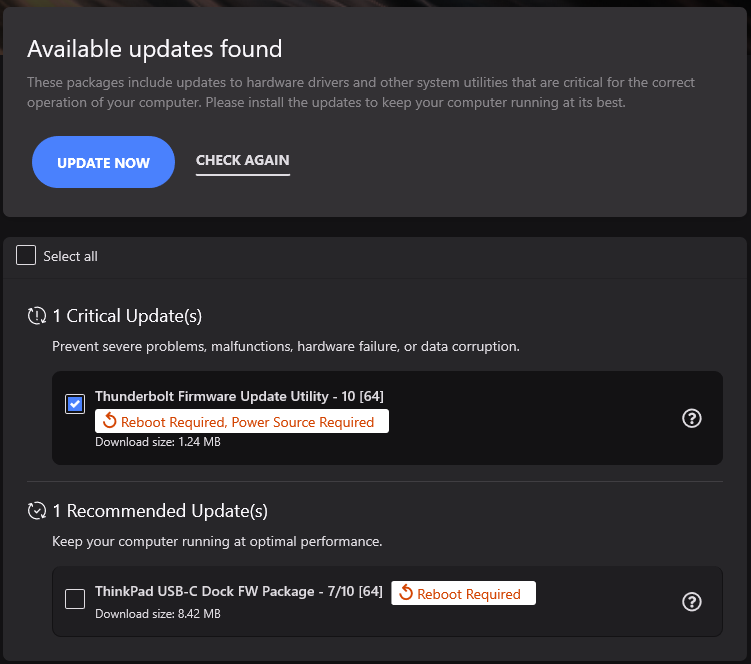
Once the scan is done, review the updates found. Be aware that reboots are required for most updates, so be sure to save and close all of your work before starting
Select the updates you want to install and click UPDATE NOW.
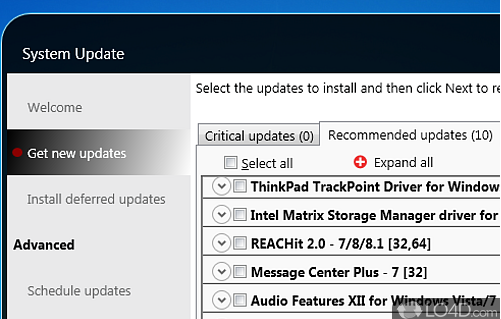
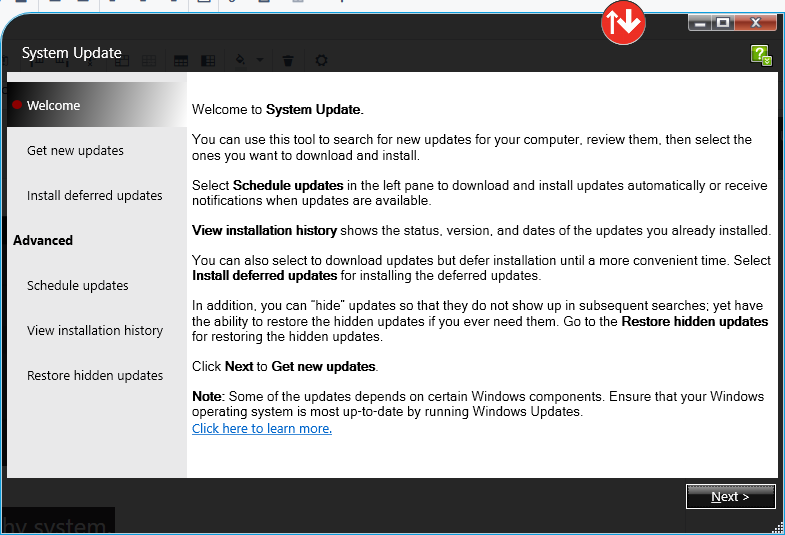
Click Next to start the scan for updates
Check any updates listed on the Critical updates and Recommend updates tab and proceed to install them.
Once the scan is done, review the updates found. Be aware that reboots are required for most updates, so be sure to save and close all of your work before starting