Overview
Reset Search Index
- Open outlook
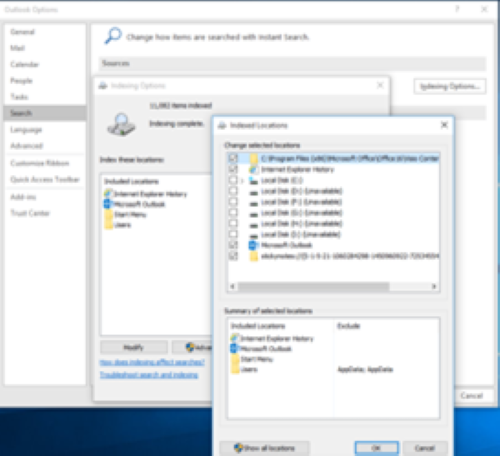
- Go to File–> Options –> Search –> Indexing Options –> Modify –> Deselect outlook and click on OK –>close
- Close and restart outlook.
- Re-add outlook to the Indexing options by following the same path in Step 1
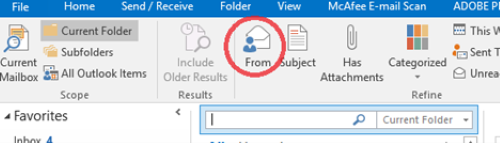
5. Try searching for the person using from.