
Microsoft Outlook
Start by opening Outlook
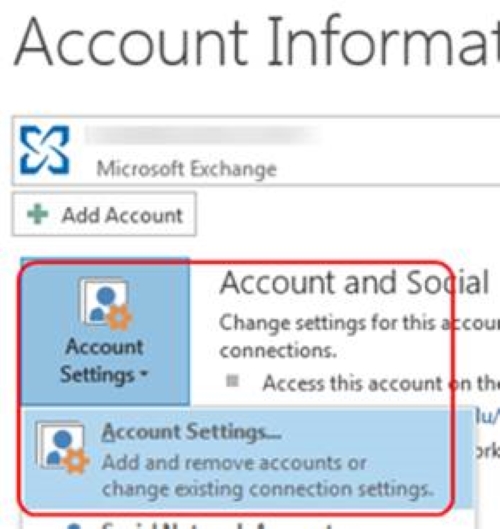
Click on the File tab
Click on Account Settings
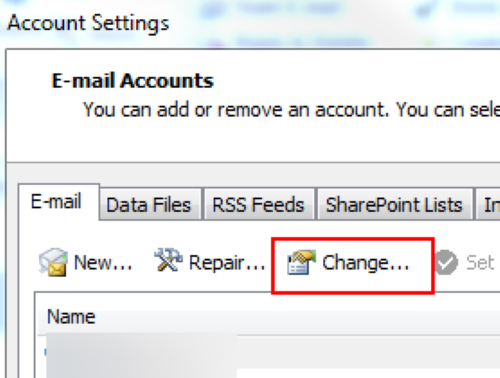
Highlight your Microsoft Exchange account and click Change…
Click More Settings…
Click the Advanced tab
Click Add
Type in the full email address of the shared mailbox and click OK.
The mailbox should now be added to your list.
Click OK, Next, Finish, and Close
Outlook Online
See https://help.rit.edu/sp?id=kb_article&sysparm_article=KB0034593 for instructions.