
Overview
Saunders has limited licenses for ATLAS.ti. In order to use the software, you must have an account with ATLAS.ti and approval to use a license. Please email techsupport@saunders.rit.edu to submit a request for access.
Setting up an ATLAS.ti account
In order to use ATLAS.ti, you must first have an account with them. Here’s how to set one up:
Go to https://atlasti.com/ and click on Try for Free in the upper right.
Click on Try ATLAS.ti Desktop.
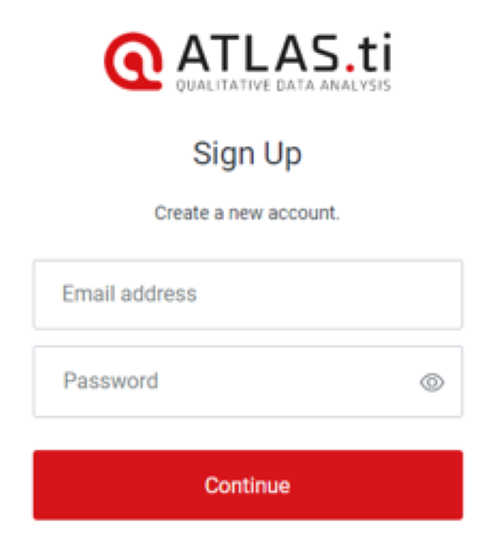
Enter your RIT or Saunders email address and a password to create an account. Do NOT use your RIT password on this site. Please use a new password. Click Continue once ready.
You will then see a notice that you were sent an email. Check your email and following the instructions to verify your account.
Once you have the link and have signed in, scroll down and click on Complete Registration.
Once the registration process has been completed, you should see a button to Go to My ATLAS.ti. From here, you can manage your trial license.

Do not download the software from the site. See below under Installing ATLAS.ti how to install the software.
Once you have your account set up, please send the email address you used for your account to techsupport@saunders.rit.edu so we can add you to our license, provided you are approved.
Installing ATLAS.ti
The software can be found in Portal Manager.