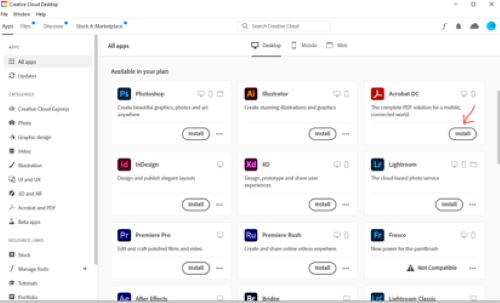
Problem
A prompt appears when using Adobe Acrobat or other Adobe applications prompting you to enter a serial number.
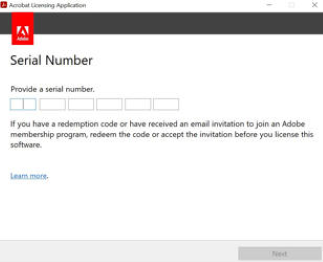
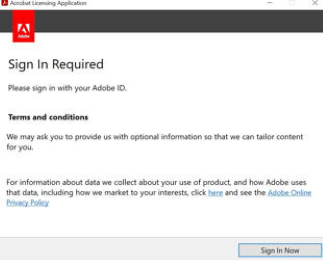
Solution: Re-Install Adobe Software Through Creative Cloud Desktop
1) Make sure you are signed in to Adobe Creative Cloud with your employee RIT username followed by @rit.edu. For example: abcbbu@rit.edu. Do NOT use @g.rit.edu nor @saunders.rit.edu. ( See Signing into Adobe Products).
2) Open Adobe Creative Cloud.
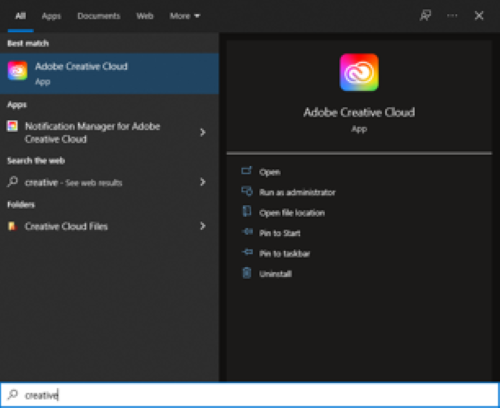
3) Uninstall Adobe Acrobat DC
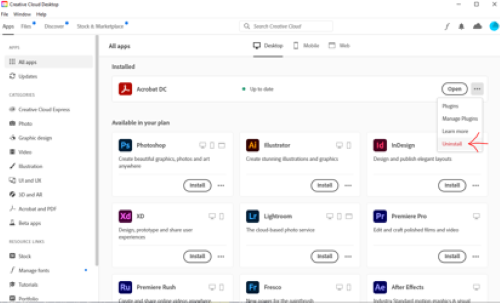
4) Re-install the software.